
How to Get Your Shopify Products Recommended by Chat GPT
How to Get Your Shopify Products
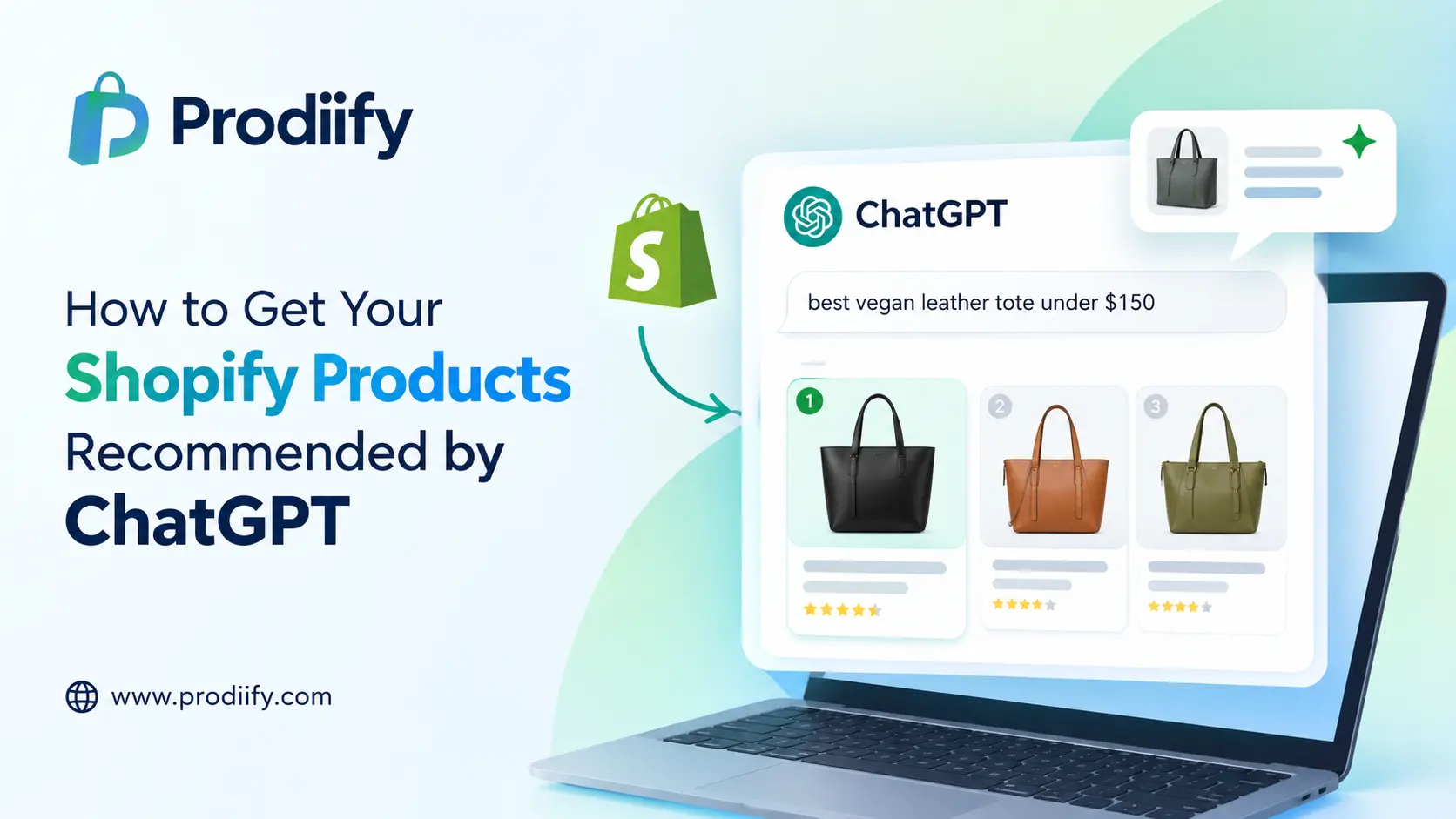
Shoppers no longer start only on Google. They open ChatGPT and type things like “best vegan leather tote under $150” or “gift for a coffee lover who has everything.” The assistant answers with a short list of products, and if yours isn’t on it, that customer never visits your store.
The good news: you don’t need a developer or a special integration to compete here. What gets products recommended is mostly clean, complete, clear product data, which is the same thing good Shopify SEO has always rewarded. This guide shows you how to get your Shopify products in ChatGPT and what to fix first.
How ChatGPT shopping works for Shopify stores
In March 2026, Shopify turned on its Agentic Storefronts channel by default for eligible US merchants. It makes eligible products discoverable in ChatGPT and other AI surfaces such as Microsoft Copilot, Google AI Mode, and Gemini, with no separate app to install.
In practice, shoppers see your products inside the conversation, and they typically finish the purchase on your own storefront. That means you keep your checkout, your offers, and your customer relationship.
Two things matter here:
- Being eligible is not the same as being recommended. Thousands of stores sell similar products. The AI has to choose.
- It chooses based on data it can read and trust. Titles, descriptions, attributes, images, price, stock, and reviews all feed that decision.
Eligibility and rollout details can change by country and plan, so confirm your status in your Shopify Admin (see Step 1).
Step 1: Check that Agentic Storefronts is on
- In your Shopify Admin, open your sales channels and look for Agentic Storefronts.
- Confirm your products are included and not excluded by a filter.
- Look at the dashboard for orders and conversions coming from AI channels, if available for your store.
- Check that your store is in a supported region.
If a product isn’t included, nothing else on this list will help it show up. Start here.
Step 2: Write product titles that match how people ask
Shoppers talk to ChatGPT in plain language. Your titles should too.
Weak: Aria Tote – Black
Strong: Aria Vegan Leather Tote Bag for Work, 15-Inch Laptop Fit, Black
A good title includes the product type, material, key use, and one distinguishing attribute, all in natural language. Skip keyword stuffing.
Our Shopify SEO checklist has a full title formula you can reuse.
Step 3: Make descriptions factual and complete
AI assistants compare products against what the shopper asked for. If your description says “perfect for any occasion,” it has nothing to match. If it says “fits a 15-inch laptop, water-resistant lining, 12 oz,” it does.
In every description, state clearly:
- What it is and who it’s for
- Materials and ingredients
- Dimensions, sizes, and weight
- Use cases: “for travel,” “for sensitive skin,” “for small kitchens”
- What makes it different: the honest reason to pick it
Cut vague hype. Keep it readable for humans, because people still land on the page.
Need a starting point? Use our free ChatGPT prompts for Shopify product descriptions, or read about enhanced product descriptions.
Step 4: Fill in every product attribute
Empty fields are missed chances to be matched. Complete as many as apply:
- Product category and type
- Color, size, material, pattern, gender, age group
- Brand, SKU, and barcode (GTIN) where you have them
- Variant details that are accurate and consistent
- Accurate price, availability, and shipping info
Inconsistent data hurts you. If your page says “in stock” and your feed says otherwise, expect the product to be skipped.
Step 5: Add structured data and clean metadata
Structured data (schema) tells machines exactly what’s on the page: name, price, availability, reviews. Most modern Shopify themes output the basics, but check:
- Product schema is present and error-free (test with Google’s Rich Results Test)
- Meta titles and descriptions are written for every product
- Image alt text describes what’s actually in the image
Alt text, titles, and meta tags are slow to write one by one. That’s exactly what tools like Prodiify’s AI SEO app automate across your catalog.
Step 6: Build reviews and trust signals
AI assistants lean on signals that a product is good and that the store is legitimate. Where you can:
- Collect real customer reviews and show them on product pages
- Publish clear shipping, returns, and contact pages
- Keep your About page specific about who you are
- Earn mentions from independent sites, blogs, and roundups
You can’t fake this. A steady stream of honest reviews is one of the strongest long-term moves you can make.
Step 7: Publish content that answers real questions
Shoppers ask ChatGPT questions before they pick products: “how to choose a standing desk,” “what’s the difference between ceramic and cast iron pans.” If your blog answers those questions clearly, you become a source the AI and the shopper both trust.
Good formats:
- Buying guides and comparisons
- “Best X for Y” pages written honestly
- FAQ sections on collection and product pages
- Size, care, and how-to guides
Read more about the thinking behind this in our guide to Shopify AI search optimization.
Step 8: Improve your product page quality
When a shopper clicks through from ChatGPT, the page has to close the sale. Strong images, clear benefits, comparison blocks, and FAQs all help. Our guide to A+ content for Shopify shows how, and MediaXL lets you build those layouts with drag and drop. If you also sell on marketplaces, see this Amazon A+ content alternative for Shopify.
Step 9: Test it yourself
Once a month, run real shopper-style prompts in ChatGPT:
- “Best [your product type] for [specific need]”
- “[Your product type] under $[price]”
- “Gift ideas for [your customer]”
- “Compare [your brand] vs [competitor]”
Note whether your products appear, how they’re described, and what’s wrong or missing. Results vary between sessions, so look for patterns, not single answers. Fix any wrong details in your product data.
Quick checklist
- Agentic Storefronts enabled and products included
- Natural-language product titles
- Factual, spec-rich descriptions
- All attributes filled in
- Price and stock accurate everywhere
- Product schema and meta tags in place
- Image alt text written
- Reviews and trust pages live
- Buying guides and FAQs published
- Monthly prompt tests logged
Common mistakes to avoid
- Assuming “on” means “recommended.” Eligibility is only the entry ticket.
- Copying manufacturer descriptions. Duplicate text gives the AI no reason to choose you.
- Keyword stuffing. It reads badly to humans and machines.
- Leaving variants messy. Inconsistent sizes and colors confuse matching.
- Making unproven claims. “Best in the world” can hurt trust, and some claims create legal risk.
Where Prodiify fits
Most of the work above is repetitive: titles, descriptions, tags, and alt text across hundreds of products. Prodiify generates and optimizes them from your actual product data, in bulk, so your catalog is readable by shoppers, Google, and AI assistants alike. See how the Shopify product description generator works, or check our 10 Shopify SEO tips.
FAQs About how to get products in chatgpt
1.Can I sell my Shopify products on ChatGPT?
Eligible Shopify products can be discovered in ChatGPT through Shopify’s Agentic Storefronts channel. Shoppers typically complete the purchase on your store. Check your Shopify Admin for your store’s eligibility.
2.Do I have to pay to appear in ChatGPT shopping results?
Shopify has described Agentic Storefronts as having no additional fees beyond standard payment processing. Product recommendations in ChatGPT are not paid placements, so data quality matters.
3.How do I know if ChatGPT recommends my products?
Ask it shopper-style questions about your category each month, and check the Agentic Storefronts dashboard in Shopify Admin for AI-channel orders if it’s available to you.
4.Does this replace Google SEO?
No. Good Shopify SEO and good AI visibility overlap heavily. Clean titles, complete data, and helpful content help you in both.
5.How long does it take to show up?
There’s no fixed timeline. Fixing your data helps quickly, but reviews, content, and authority build over months.
Get your catalog AI-ready
Start with Step 1 today, then fix your top 20 products first. When you’re ready to do the whole catalog, try Prodiify on the Shopify App Store or visit prodiify.com.